
As a developer at Mindset Consulting, I sometimes ask myself “Can I” questions rather than “Should I” questions. In this case, I wondered if I could use a filter on an OData GET_ENTITY operation. Before getting into the details (and as a standard disclaimer), the correct option would be to change to a GET_ENTITYSET operation, as $filter is not supported by OData standards for GET_ENTITY operations. Regardless, let’s get back to that “Can I” question. Well, as it turns out, you can!
But how do we use a $filter with a GET_ENTITY operation? The filter doesn’t get sent to the method!
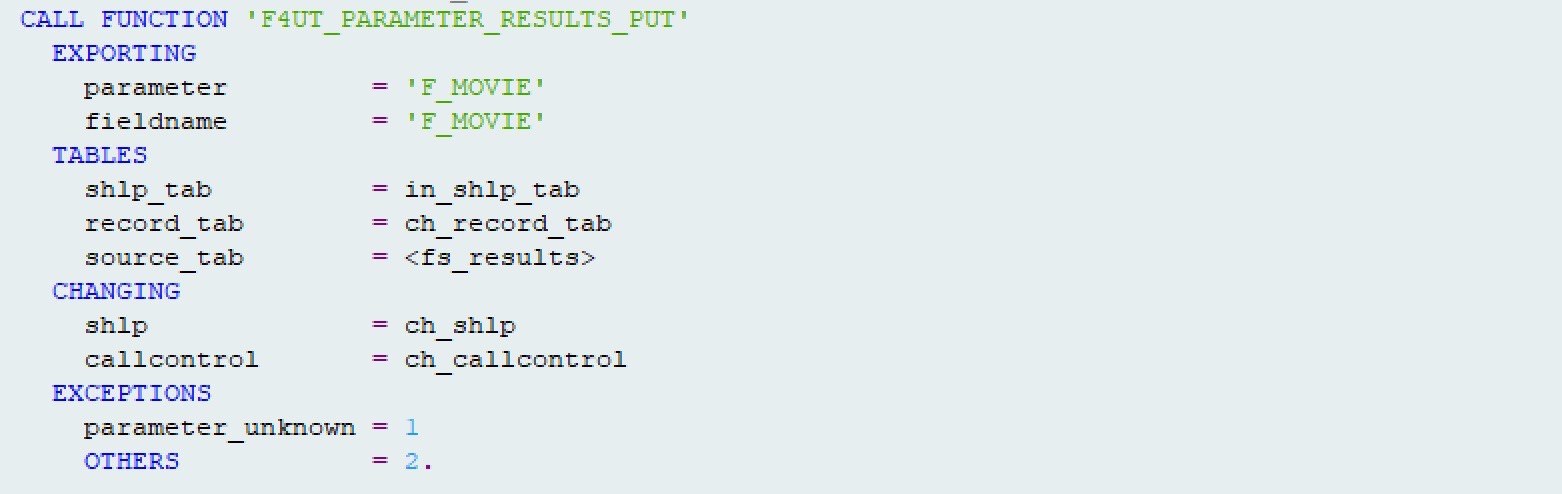
Here’s an example signature from GET_ENTITY
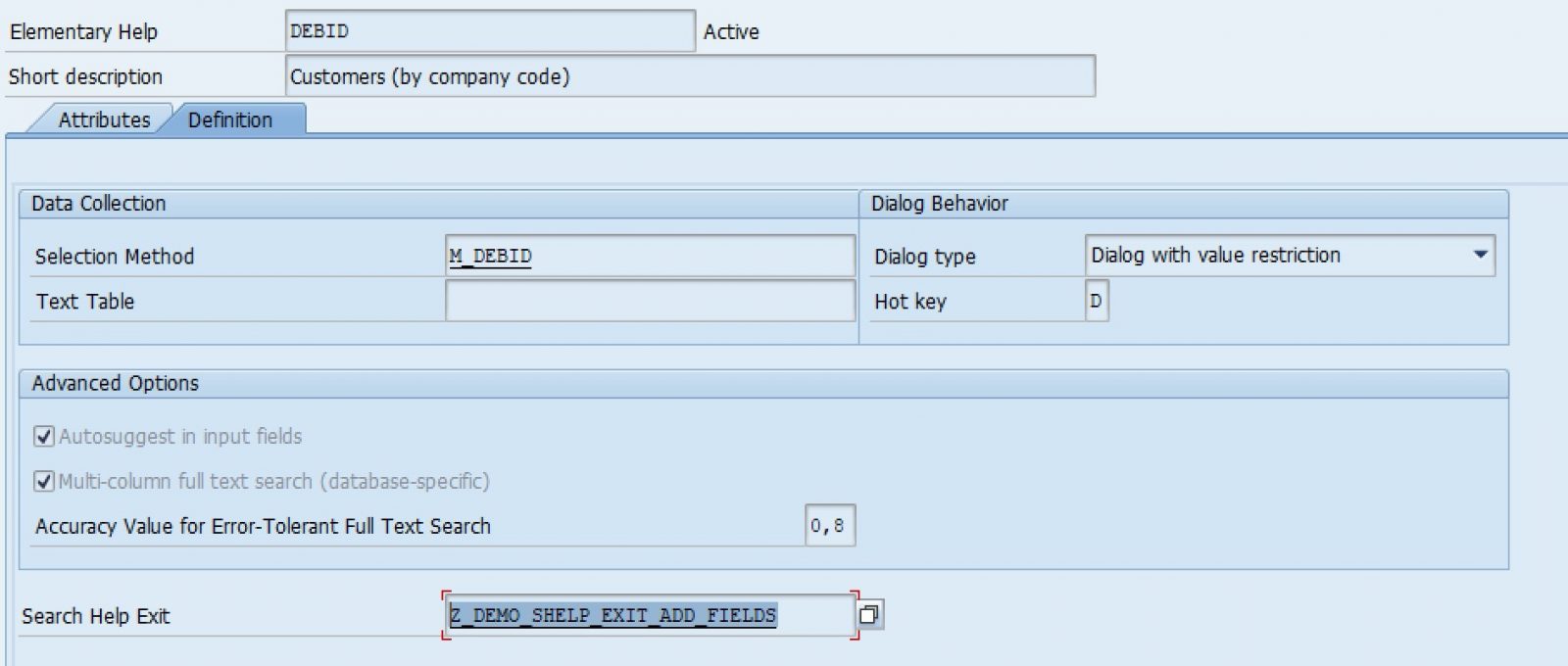
And this is an example signature from GET_ENTITYSET
The answer? The filter is in attribute MR_REQUEST_DETAILS of class /IWBEP/CL_MGW_ABS_DATA. /IWBEP/CL_MGW_ABS_DATA is the superclass of /IWBEP/CL_MGW_PUSH_ABS_DATA which is the superclass of your data provider class (*_DPC).

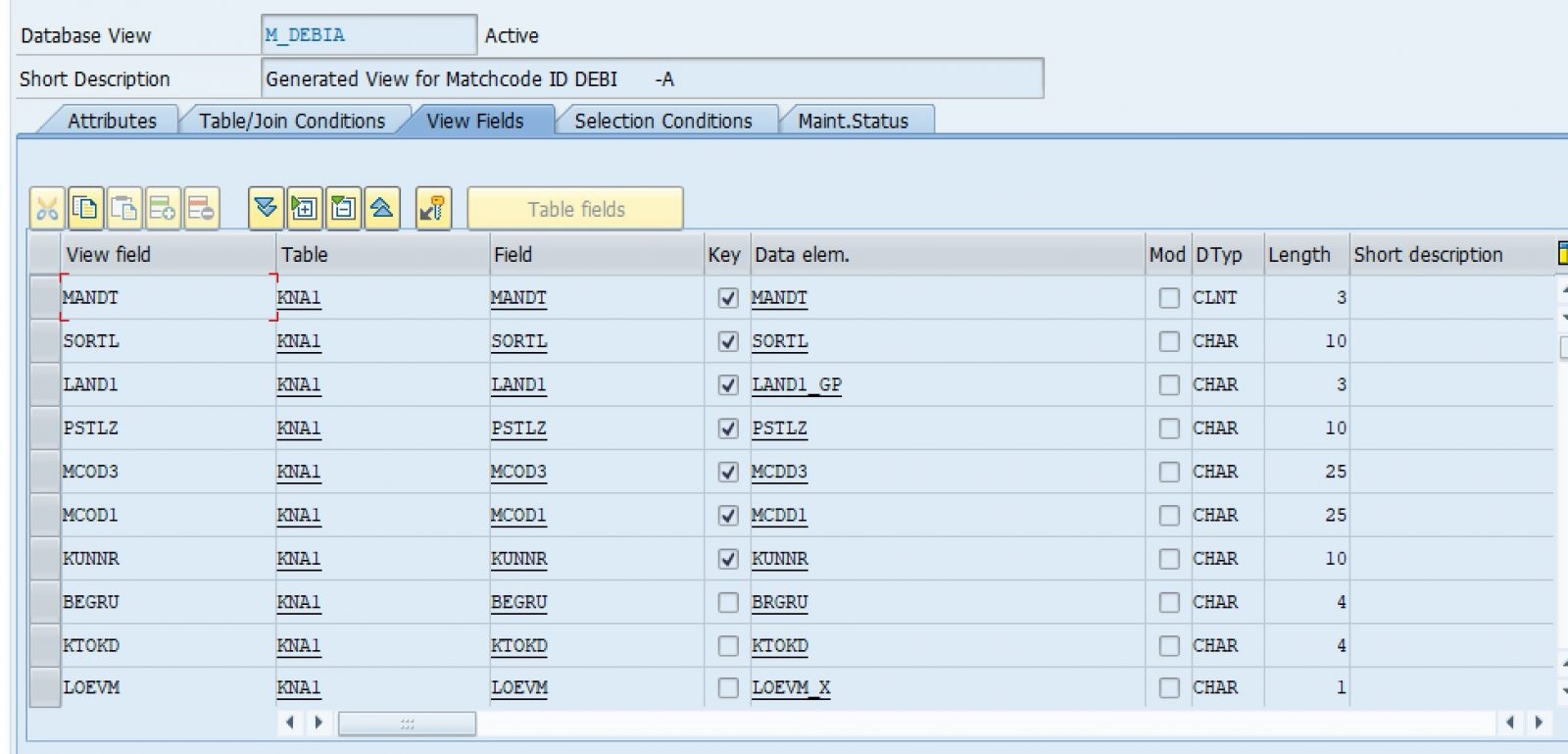
As we can see at runtime, the component is filled.


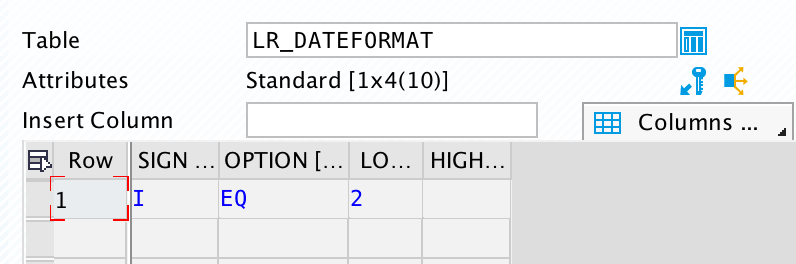
We now know that SAP does in fact accept a $filter query option for a GET_ENTITY operation. Since the component is there and holds the data we need, we can read the data. However, in order to get to the filters, we have to do some dereferencing.

Voila! The range contains the filter value!
Since this is a non-standard way of calling an OData service, what would the request look like? The syntax is:
https://<server>/<service>/<entity set>(keys)?$filter=<filter option(s)>

Would I ever do this in a production application? Nah. Is it fun to challenge the status quo? Absolutely!
Contact Mindset Consulting
If you’re interested in learning about some of the other “Can I” questions I’m cooking up or want more info on how our team here at Mindset is making SAP simple, mobile and beautiful, then be sure to contact us today.
Happy OData-ing!
View our LinkedIn, here.