
Fiori is great, but how do you get started?
In this blog I share how anyone can take an incredible amount of data in SAP BW and bring it directly into SAP Fiori to enable instant mobile reports. Last week, I was honored to present at the ASUG Minnesota Chapter Meeting on this topic. The session started many great conversations, and I wanted to share those discussions with the larger community. I’ve tried to capture the comments in this blog, but as always, please feel free to contact us if you have any questions.
Learning Points:
- Fiori is the new UX for SAP
- S/4 HANA & Fact Sheets are awesome
- Make any BEx Query a Fiori App in a few steps today
Avoid being the next Avon:
Before we start, Avon is a great example that I regularly use in discussions with Fiori customers. It shows how a seemingly perfectly executed SAP project can go horribly wrong when design is not truly considered from the beginning. In 2013, Avon was forced to cancel the roll out of their new order system because of a “steep drop in representatives.” It seems the system “works as designed” but wasn’t designed to work– usability was the reason. Avon’s workforce would rather quit than use the system. After a $125M write-down, and a cancelled roll-out, Dec 11, 2013 – WSJ, we can see why usability is so very important to consider.
Let’s make this happen:
Now let’s consider the steps required to convert any BEx query into a Fiori app. To summarize:
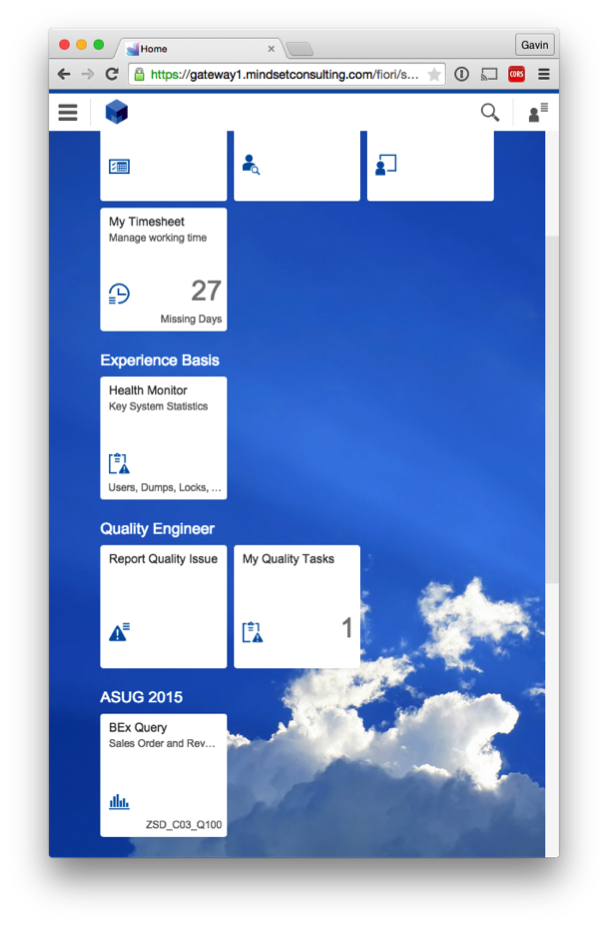
- Fiori & Launchpad
- Architecture
- Turn a BEx query into a Gateway service
- Make a Fiori Chart from that service
- Turn it into a mobile app
Fiori Launchpad:
- Role-based navigation – similar to SAP Portal.
- Dynamic tiles – KPI’s and other good info all in one place.
- Catalogs – loads of content available.
- Deep-linking – send a link for a particular view of a single item to a friend.
- Jump-to links – navigate from app to app.
- HANA Search (next slide)
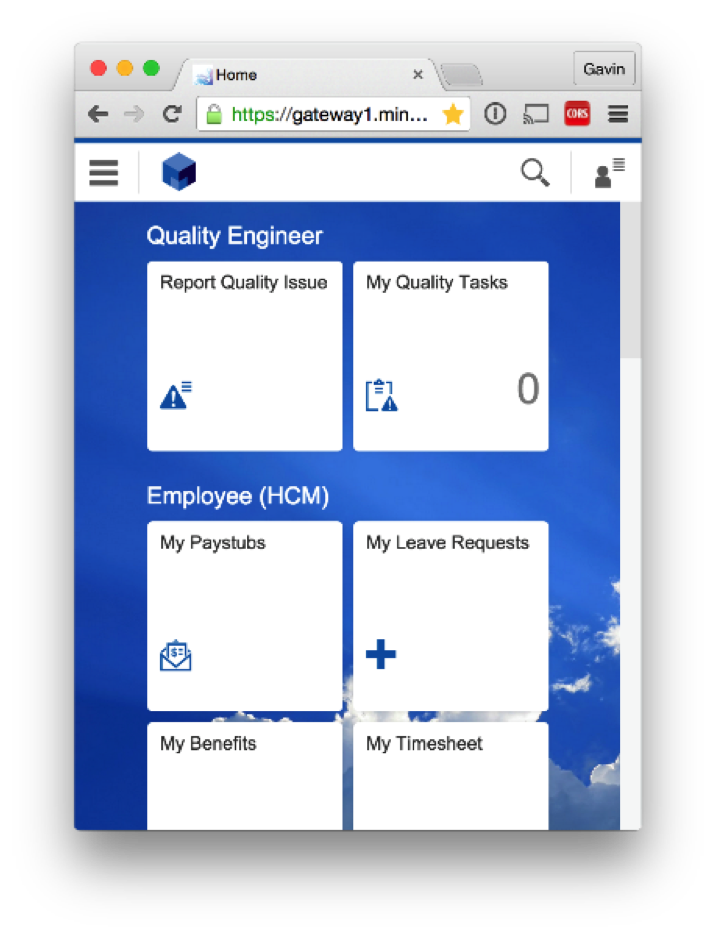
HANA Search:
- Imagine a Google-like search to navigate to anything in SAP
- Search apps and any object from Fiori
- Fact Sheets are extremely powerful. See my other blog.
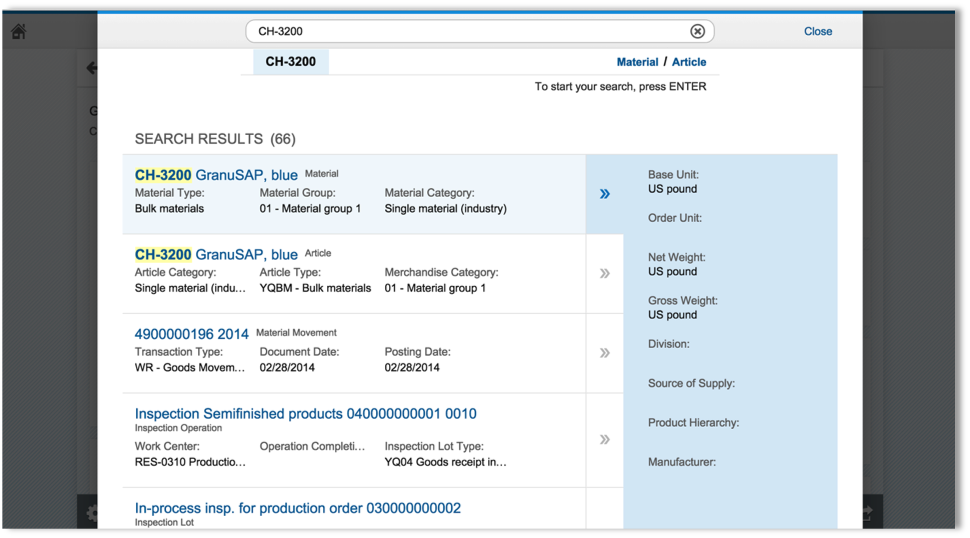
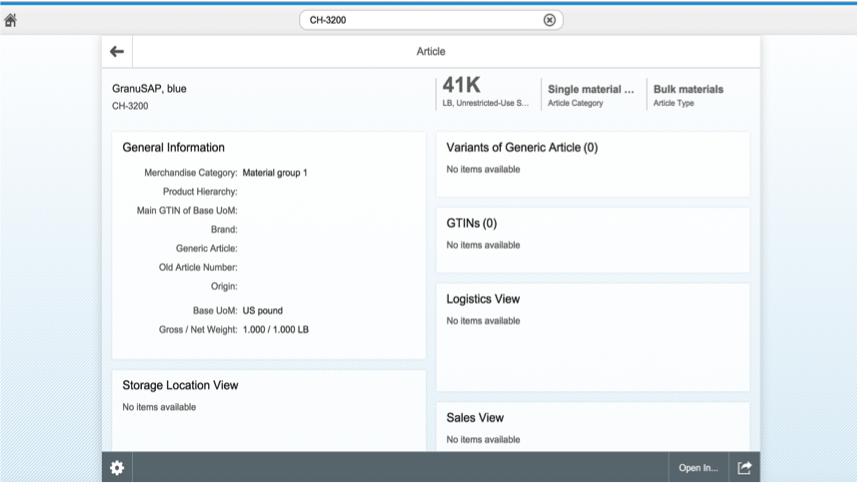
Fact Sheets:
- HANA only
- KPI’s
- Jump-to other fact sheets
- Fiori Transactions can be launched
- SAPGUI traditional style can be launched too
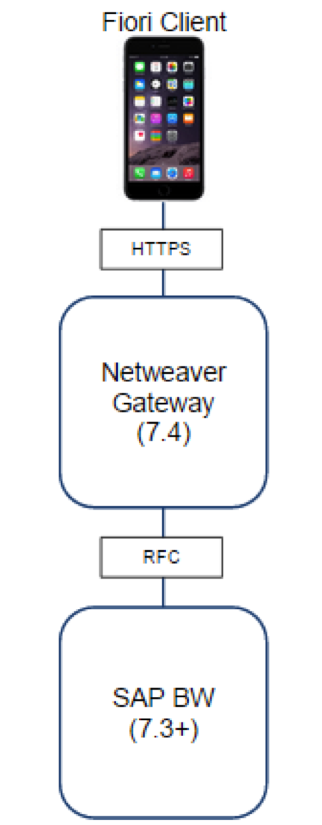
Architecture:
- Fiori Client
- Netweaver Gateway (on ABAP)
- BW needs IW_BEP installed (default after 7.4)
Convert BEx Query to ODATA
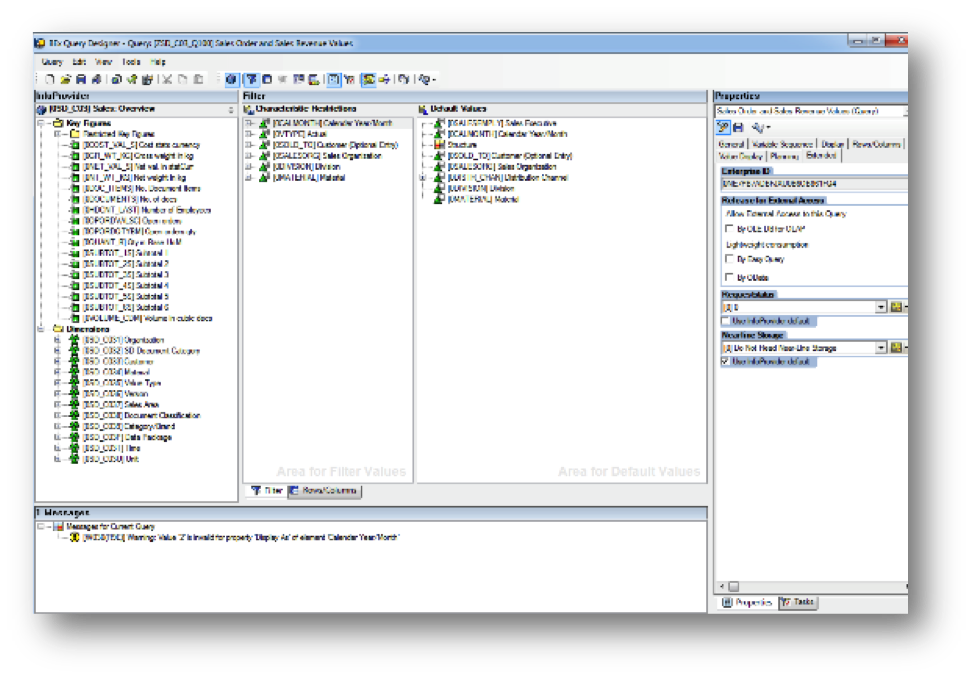
- BEx Query Designer – Enable Easy Query Option (Also works with MDX, but more difficult)
Shout-out:
This blog series by Chandan is great: https://scn.sap.com/community/gateway/blog/2012/12/08/transform-sap-bw-queries-into-odata-service-generation-and-activation
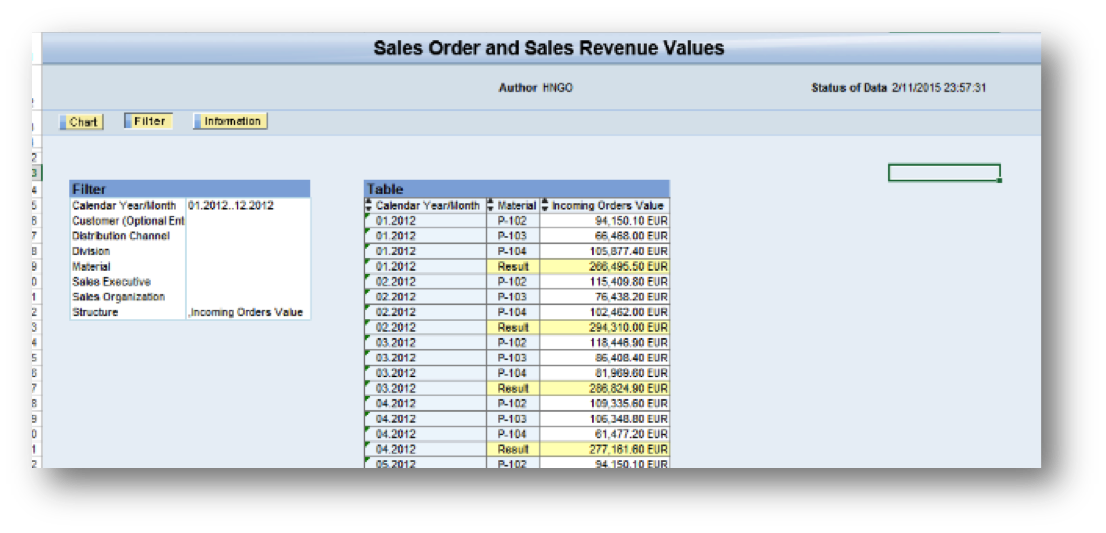
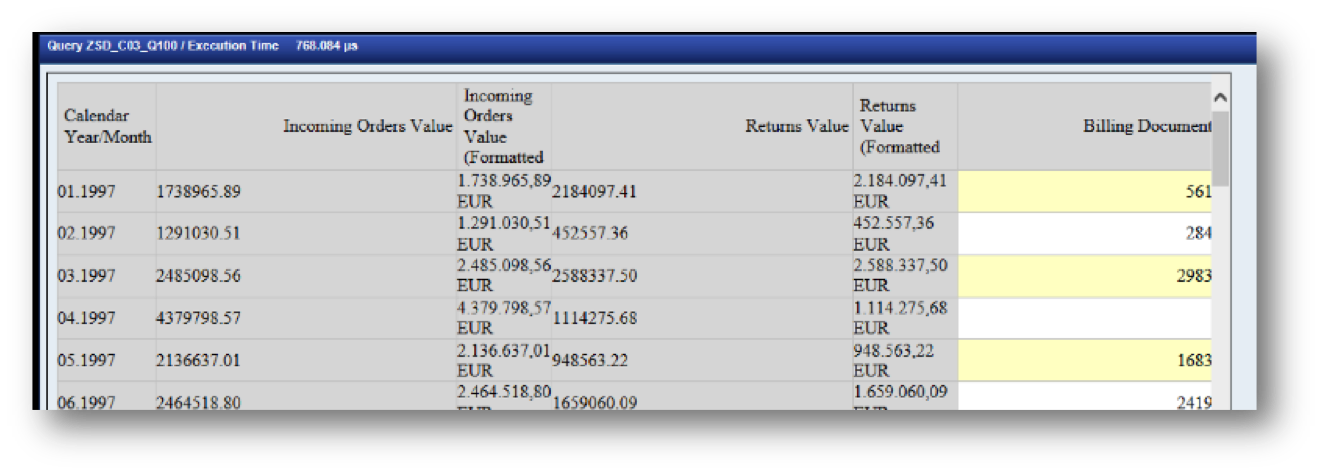
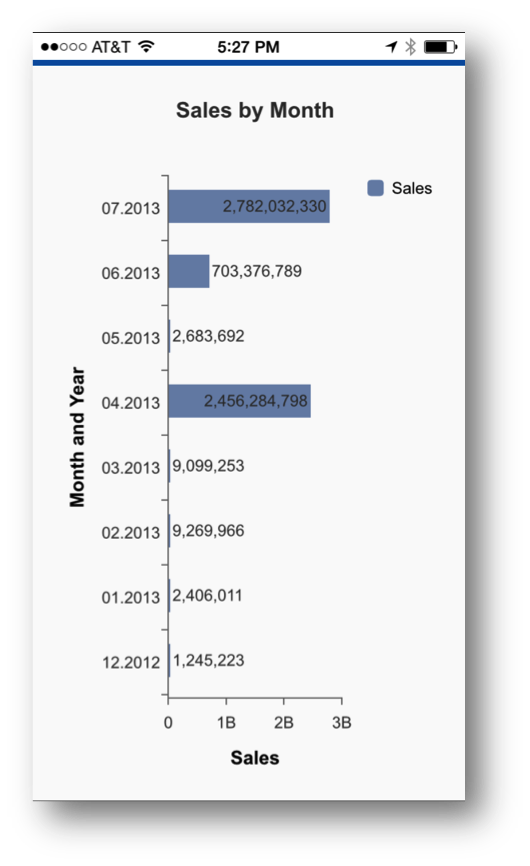
Try out the BEx Query in Analyzer to get comfortable with the data. We will pull in order value by month and descend the last twelve months.
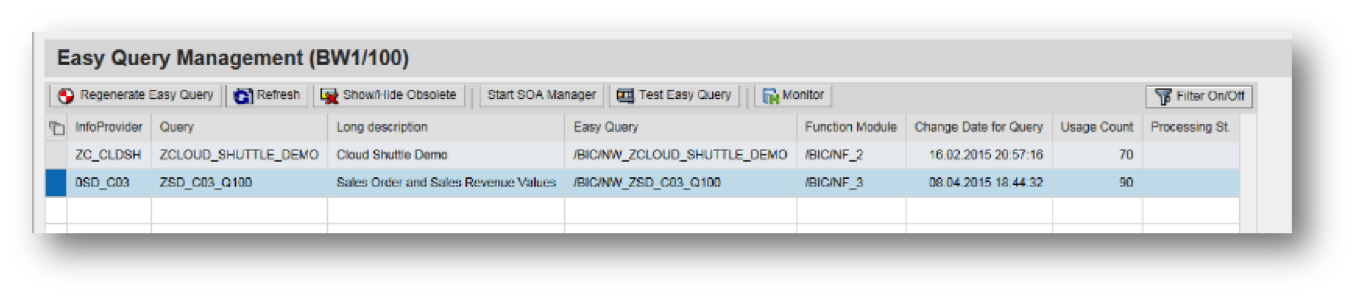
You can also preview in transaction EQMANAGER.
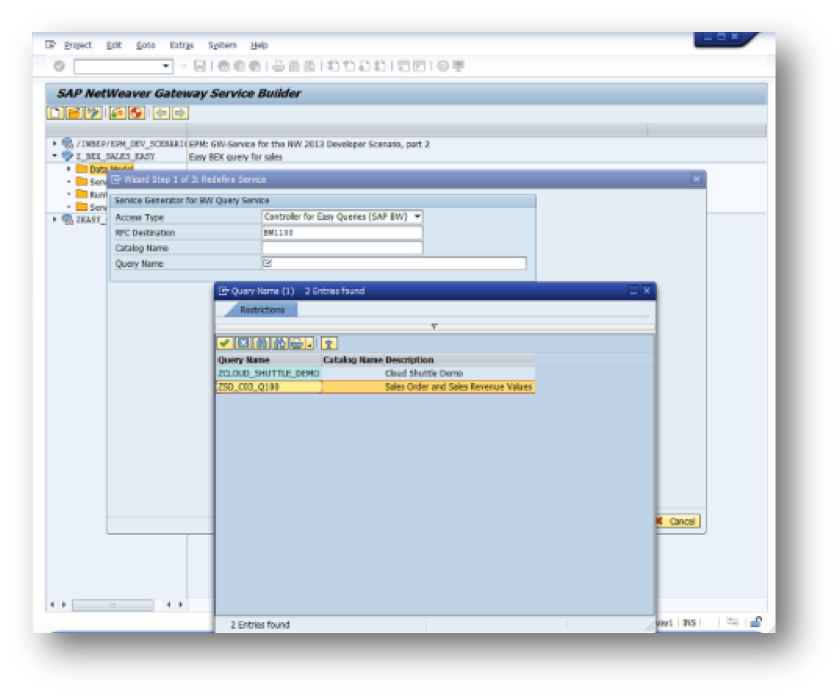
- In BW, go to t-code SEGW.
- Create a new project.
- Right-click on Data Model and select Redefine a BW Data Source.
- Choose Controller for Easy Query.
- Choose your Query from the picker.
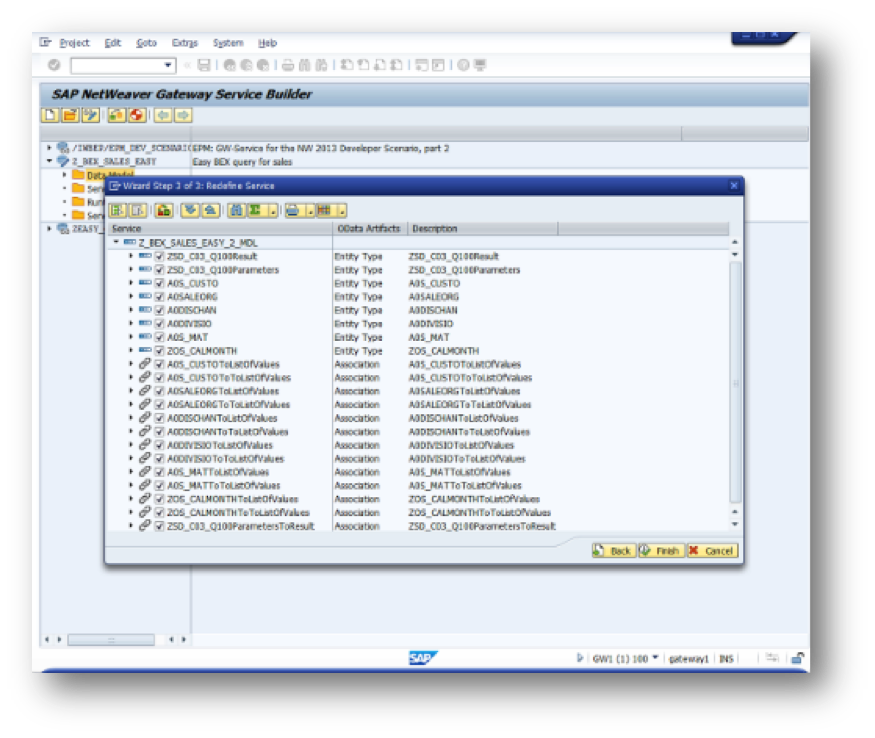
- Accept all entities.
- Accept all associations (this is how ODATA will do navigation and F4-style lookups).
- Generate the project.
- Create a new service in the Gateway HUB with this model in transaction: /IWFND/MAINT_SERVICE
- Activate and test the service.
- Pull up the $metadata by appending it to the URL.
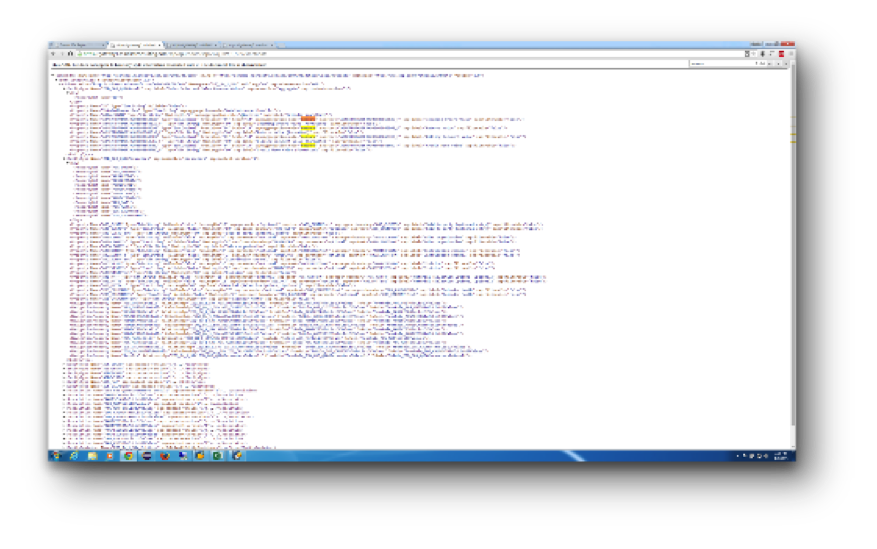
Use ODATA standard notation to setup a query URL: /sap/opu/odata/sap/ZGQ_BW_1_SRV/ZSD_C03_Q100Results?$select=A0CALMONTH,A0NE7PB7ADBFJXU0B6OB8636XO&$top=12&$orderby=A0CALMONTH%20desc&$skip=4
Translated:
- Get the result set
- Select dimension month
- Select measure A0NE…(from $metadata that maps to sales)
- Grab the top 12 and sort in descending order
- Skip 4 for ASUG demo purposes…
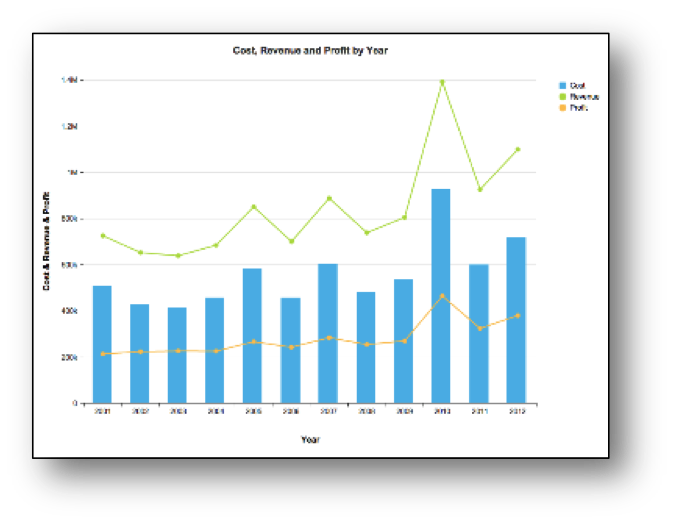
Make a Chart in Fiori – Step 1
Now that we have ODATA, we can bind it to SAPUI5 in Fiori
Check out the chart types you may want: https://sapui5.hana.ondemand.com/sdk/explored.html#/entity/sap.viz.ui5.controls.VizFrame/samples
Make a Fiori Chart – Step 2
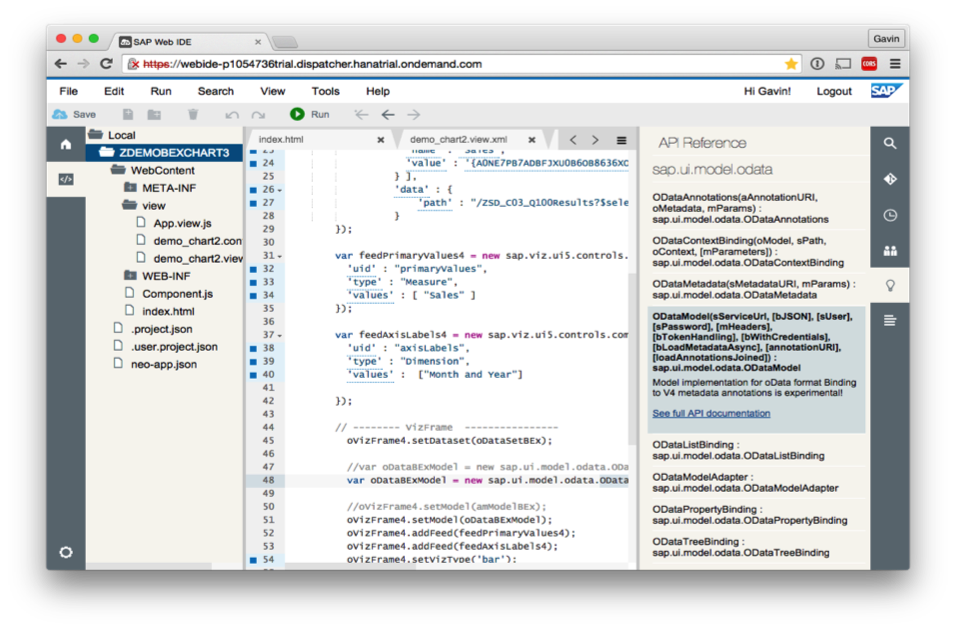
Create a new SAPUI5 Mobile Project in Web IDE or Eclipse with:
- Index.html
- Component.js
- demo_chart2.view.xml
- demo_chart2.controller.js
I shared the code here: https://github.com/MindsetConsulting/asug_bex_query_fiori_demo
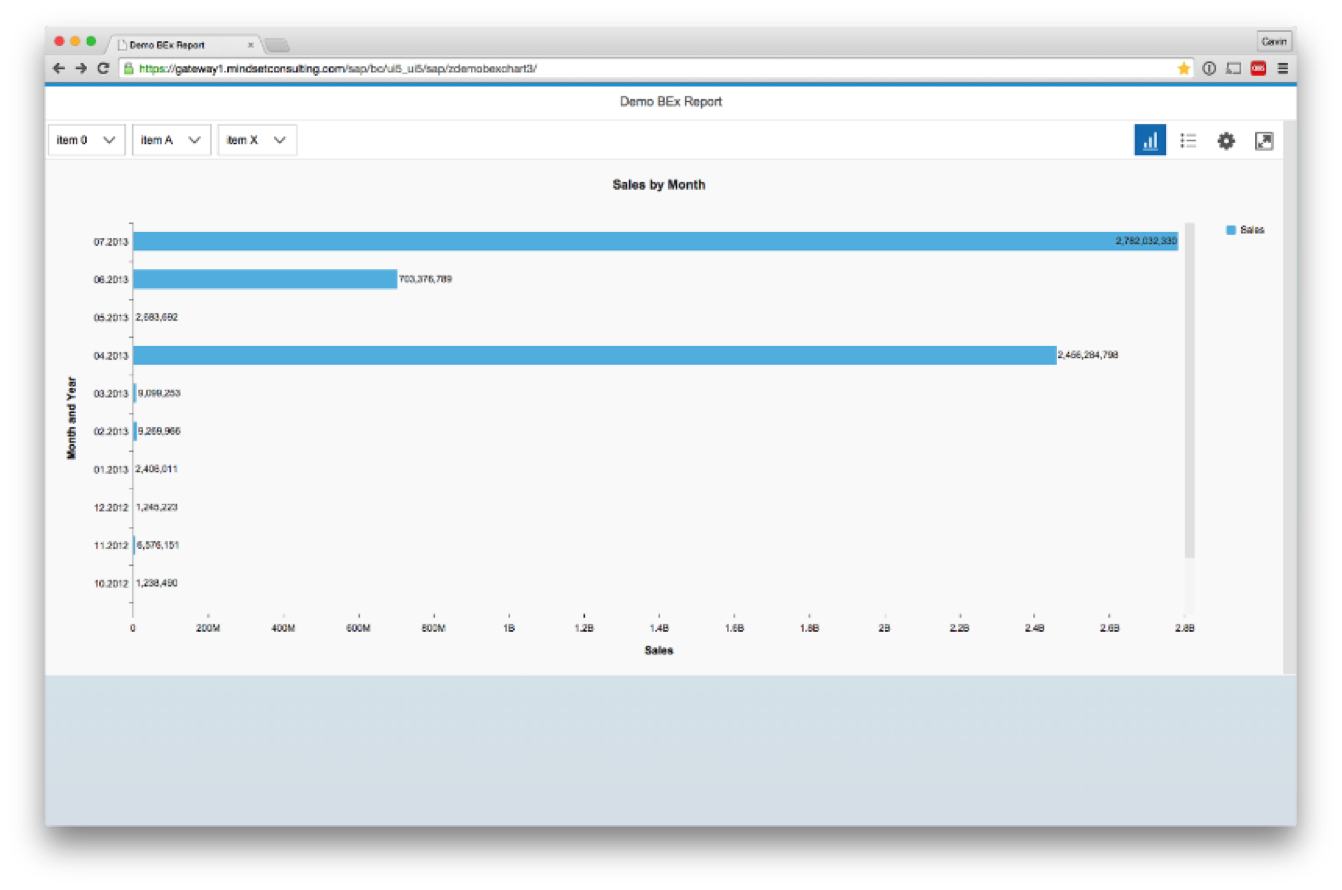
Publish to Gateway:
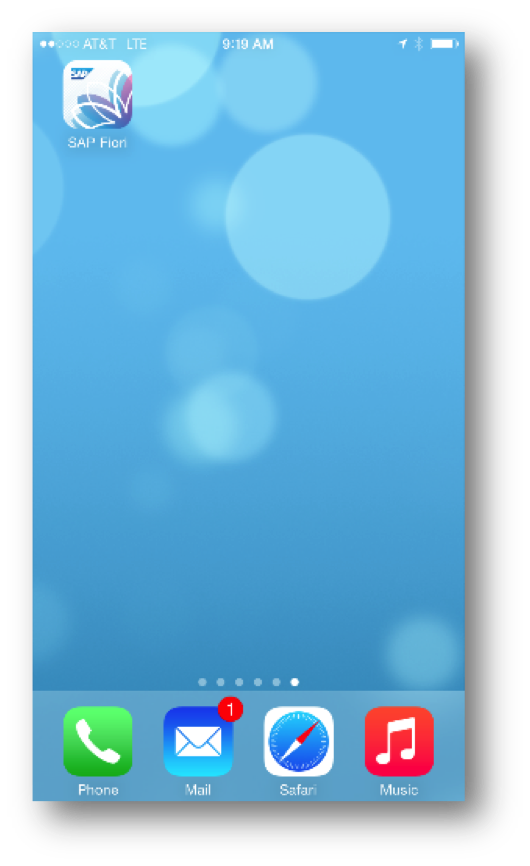
Or launch from SAP Fiori Client:
Click the tile:
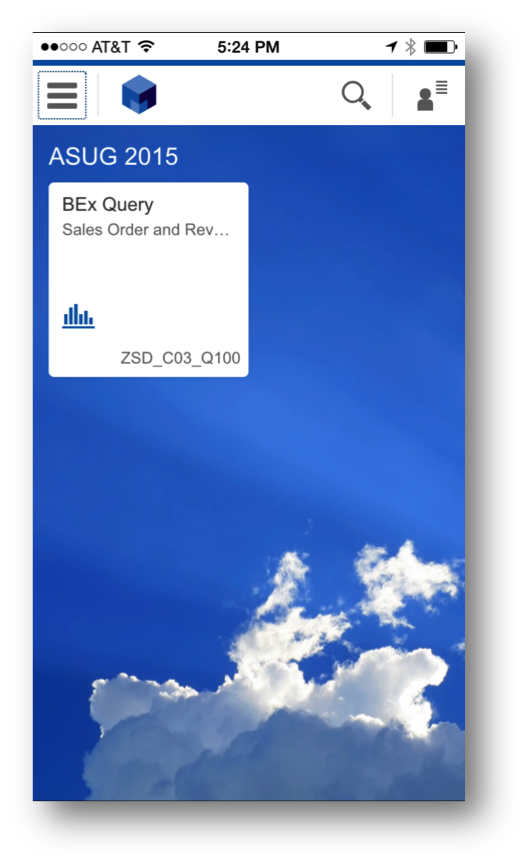
And see the view:
Key Learnings:
- Fiori is the new SAP User Experience
- Get started now bringing BW data to Fiori
- Enable BW with Easy Query
- Use more advanced MDX if necessary
- OData makes it easy to consume data
Designing the Enterprise:
As you know, SAP is great, but it needs our help to make it simple, mobile, and beautiful. With a tool like Fiori, we’re able to make the software we use every day better for the companies we work for. I hope this blog helps you to begin turning your BEx Queries into Fiori apps.
And finally, I hope to see many of you next week at SAPPHIRE NOW. We’ll put up a more formal post soon, but if you’ll be there, here are the places you can find us:
- Panel presentation (ASUG): SAP QM + Fiori, PL1287 (Wed 5/6 4:15 PM S310A)
- Internet of Things booth: SmartWatch Beacons with SAP PM, PT20267 (Digital with API), LB20588 (Explore Innovations in Asset Management), and LB206 EAM station, with a video at PT421, HANA Cloud Demos.
- Fiori / User Experience booth: Google extensions for Fiori
Want SAP screens people like using? See our Fiori work.
View our LinkedIn, here.

