
I’ve been speaking with leaders of many of our SAP customers in the last few months to discuss Digital Strategy and the implications of S/4HANA.
You can see SAP’s S/4HANA Home Page here which clearly demonstrates the new user experience and features: https://www.sap.com/products/s4hana-erp.html
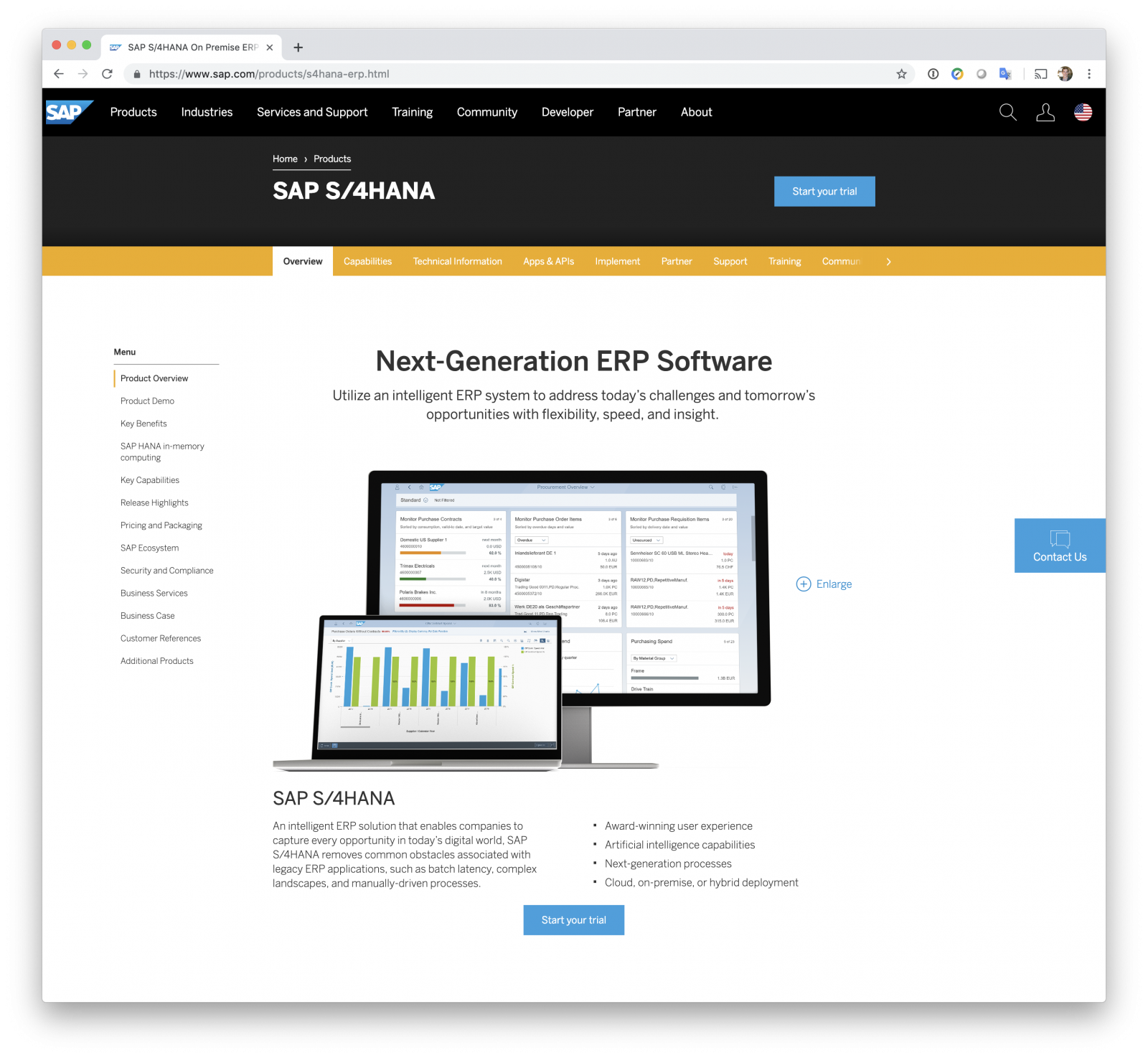
The very first bullet in the list is: “Award-winning user experience”
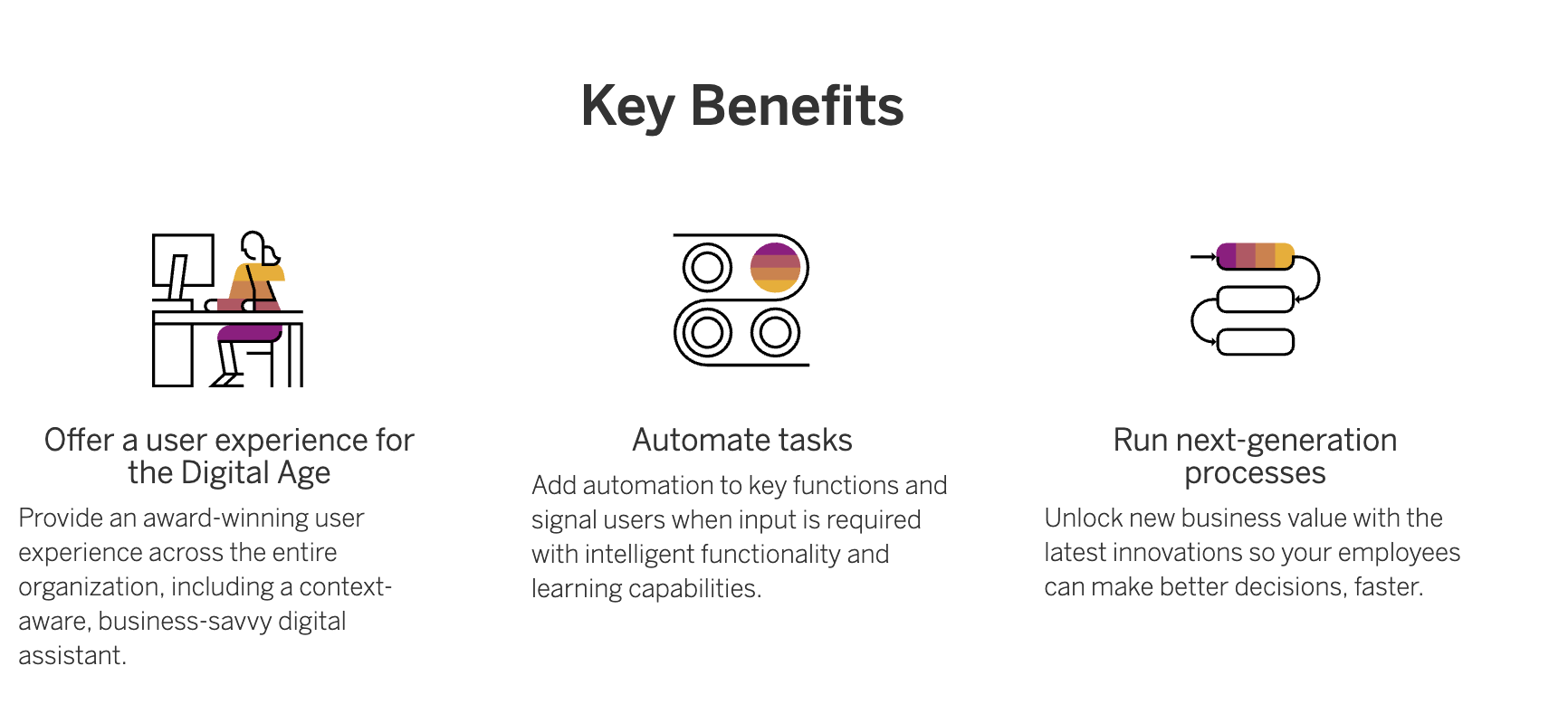
And under the Key Benefits, the very first benefit mentioned is: “Offer a user experience for the Digital Age”
So what’s the problem?
Five out of the last six customers I have worked with recently still have this old user experience on their brand new S/4HANA systems:
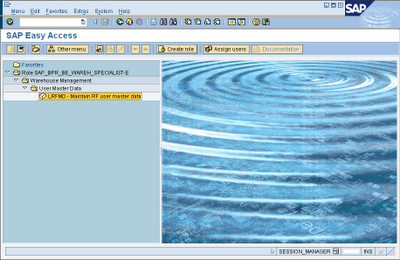
Yuck, this is the same SAPGUI that has always been around!
So why aren’t they embracing Fiori and the “user experience for the digital age”?
This is what they told me:
- Lack of understanding of the new user experience and how to turn it on.
- Lack of skills in enabling Fiori apps.
- Treating the upgrade to S/4HANA as a technical upgrade, and not an opportunity to become a digital and innovation enterprise.
How do we fix this problem?
At Mindset, as an initial part of our S/4HANA Digital Advisory Services (inquire here), we start with a few very basic steps:
- Set up the Fiori Launchpad as your starting page for all users.
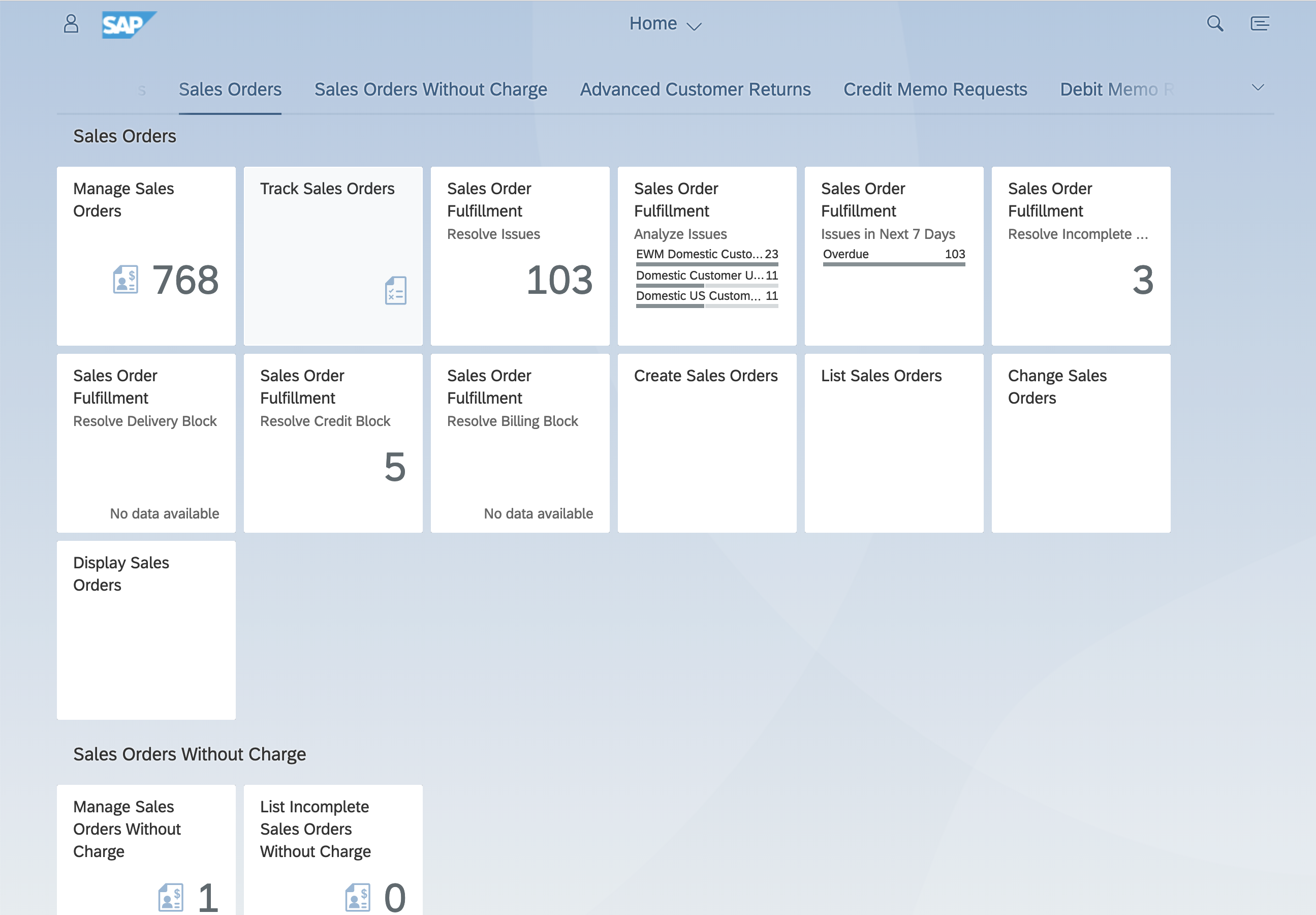
- Use the Belize theme in SAPGUI for HTML to make non-Fiori transactions look and feel more consistent.
- Review the Fiori App Library to create a new role matrix and ensure you are using the latest apps for different users. (There are some handy tools here to slice and dice a report based off your usage history) https://fioriappslibrary.hana.ondemand.com/sap/fix/externalViewer/#
- Use monitoring tools (like Mindset’s free and open source Fiori Monitor) to identify ongoing usage and areas to focus investment on. Contact Us if you would like to download this.
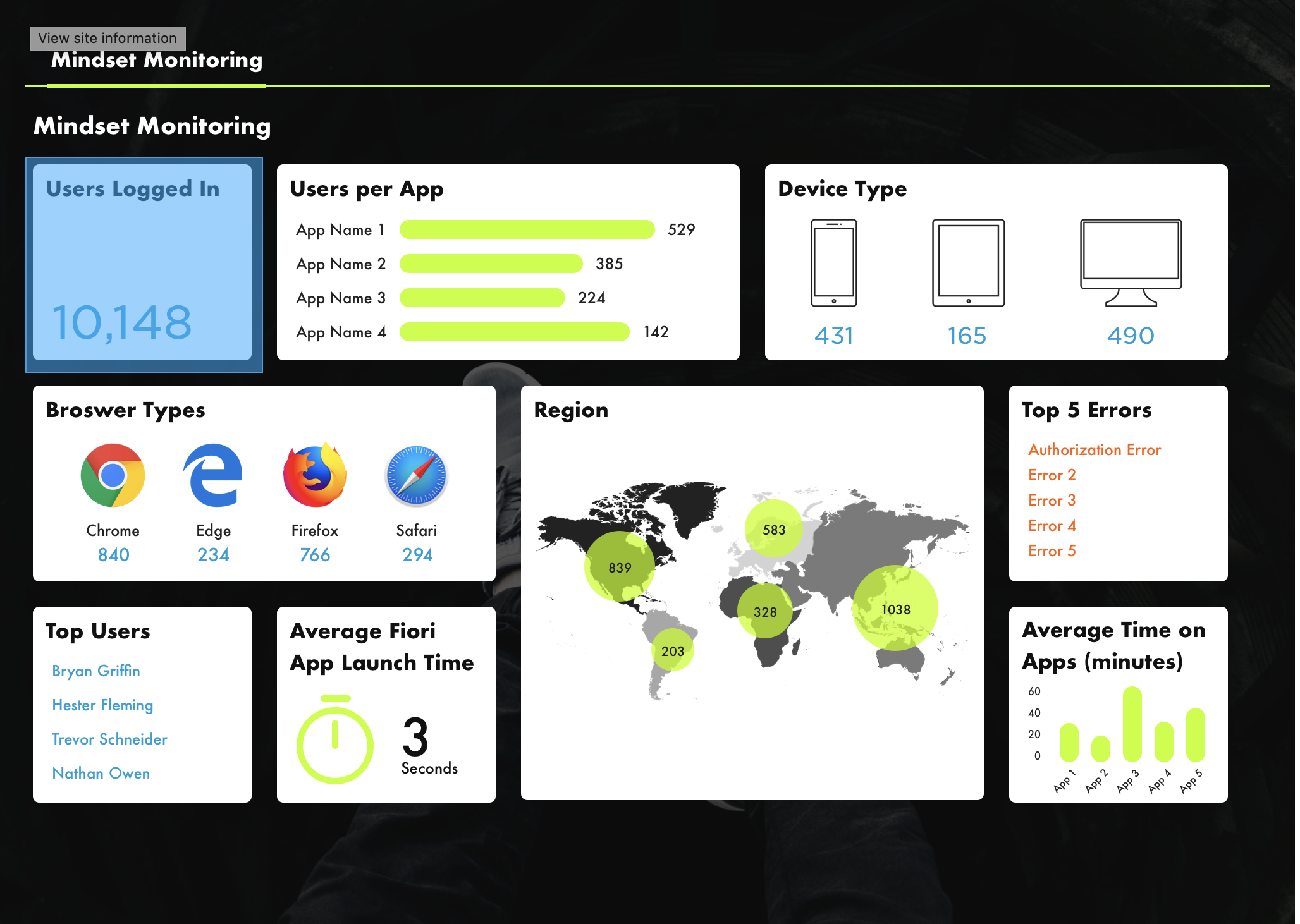
I’d really like to see more companies truly embracing the new digital strategies for SAP S/4HANA. With the incredible investment that goes along with this major upgrade, it would be a shame to not take advantage of the new UX and all of the innovation that goes along with it.
If you have an interest in viewing similar content, visit our blog, here.
View our LinkedIn, here.